Contact VocoTV | Customer Support & Technical Assistance
Have a question about VocoTV? Our support team is available to help with general account questions, setup guidance, billing inquiries, and technical assistance.
Whether you are setting up VocoTV on a compatible device or need help understanding your account, you can contact our team using the form below.
Why Contact VocoTV Support?
Fast Assistance
Send us your question and our support team will review your request and provide assistance as soon as possible.
Setup Guidance
Need help configuring VocoTV on your compatible device? Our team can provide general guidance for supported setups and applications.
Technical Support
If you are experiencing connection, playback, or setup issues, provide as much information as possible so our team can better understand the problem.
Account & Billing Help
For questions related to your subscription, account information, or billing, contact our support team through the form below.
Stop Overpaying for Cable. Get VocoTV Today
Stream 20,000+ Live Channels, VOD & PPV Events with VocoTV. Ultra-stable servers delivering 99.9% uptime. Fully compatible with all your preferred devices.
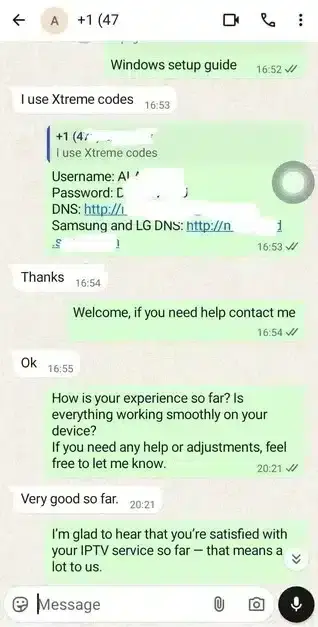
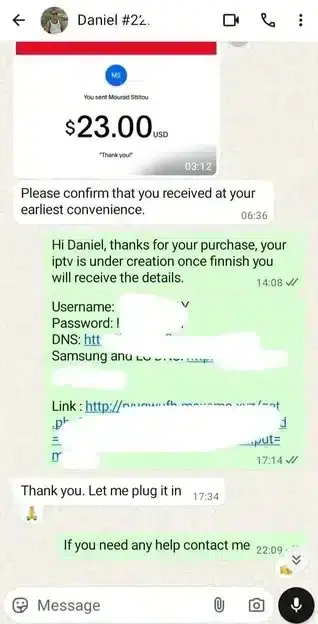
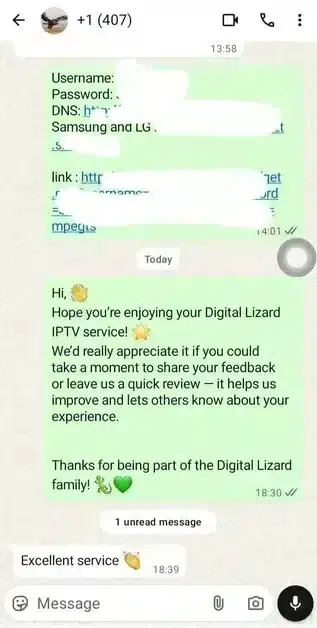
VocoTV Customer Reviews | Rated 4.8/5 for Streaming Quality
Don't just take our word for it — read real reviews fromVocoTV subscribers. Join over 1,800+ satisfied users already enjoying crystal-clear 4K streaming, rock-solid live sports coverage, and 24/7 dedicated support. See why VocoTV holds a 4.8/5 rating and is trusted by viewers worldwide.




Get Help With Your VocoTV Setup
Before contacting support about playback or connection issues, there are a few simple checks you can perform.
Check Your Internet Connection
Make sure your streaming device is connected to a stable internet connection. Connection quality can affect loading times and playback performance, especially when watching high-quality video.For 4K streaming, a stable and sufficiently fast connection is recommended.
Pro Tip:
Run a quick speed test by visiting Speedtest.net by Ookla before contacting support — it only takes a few seconds.
Check Your Device
Confirm that your device is connected to the internet and that your compatible streaming or IPTV player is updated.
Check Your Account Information
If you are having trouble accessing your content, make sure the login, playlist, or account information has been entered correctly.
Restart Your Application
Close your streaming application completely and open it again. Restarting your device can also help resolve temporary connection or playback problems.
Contact VocoTV Support
If you still need assistance, send us your device type, the application you are using, and a short description of the issue. This information can help our support team understand your request more quickly.
VocoTV is an online IPTV streaming service providing access to live television and video-on-demand content. Depending on your subscription and compatible setup, you can access live channels, movies, series, and sports content through supported devices and IPTV player applications. After your subscription is activated, you receive the account information and setup instructions required to configure your compatible device.
VocoTV is designed to work across a wide range of compatible devices, including Amazon Firestick, Android TV, Smart TVs such as Samsung, LG and Sony, Android and iOS smartphones, tablets, Windows PCs, and Mac computers.
VocoTV includes live entertainment and sports content within its available programming. Depending on the available channel lineup and your subscription, you can find sports programming, live events, and other entertainment options.
Once your payment and order have been processed, your account information and setup instructions are normally delivered to the email address provided during checkout. If you do not receive your information, contact the VocoTV support team for assistance.
You can configure your VocoTV credentials on compatible devices, but the number of simultaneous streams depends on the subscription plan you choose. For multiple active connections, select a plan that specifically supports multiple devices or connections.
Streaming performance can depend on several factors, including your internet connection, device, application, network routing, and server conditions. For high-quality 4K streaming, a stable and sufficiently fast internet connection is recommended. If you experience buffering, checking your connection and restarting your streaming device can often help identify the issue.
VocoTV provides a refund policy for eligible purchases. If you experience an issue, review the refund terms and contact customer support within the applicable period.
Refund eligibility and conditions are subject to the current refund policy.
Protecting customer information is an important part of the VocoTV website experience. Personal information should be handled according to the site's current Privacy Policy and applicable data-protection requirements. For questions about account information or privacy, contact VocoTV support.
Yes. VocoTV is built for global markets, offering reliable premium streaming access to live channels, sports, and entertainment no matter where you're located.
Explore live TV, movies, series, sports, and on-demand entertainment with VocoTV. Choose the plan that fits your needs and enjoy a flexible streaming experience across compatible devices.